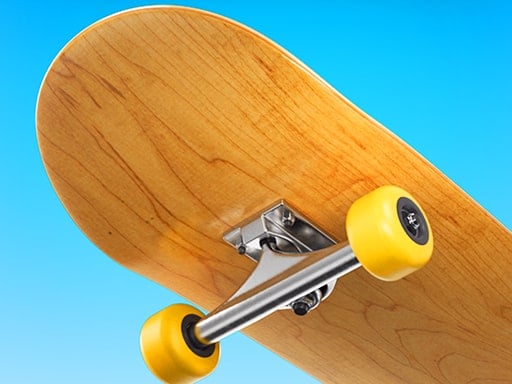
Grab your board and roll through Skateboard City. Collect every star in the level while riding ramps and rails. Use jump and trick buttons to pull off moves, but be careful on high points — fall once and you start the level again.
About Skateboard city
One life per level teaches careful, deliberate play and patience.
Skateboard city runs right in your browser on Chromebooks, laptops and tablets — nothing to install. Find more like it in our sports games collection of free unblocked games.
How to play Skateboard city
- Push the right arrow to start skating.
- Use the arrow keys to control the skater.
- Press Space to jump and Z / X for tricks.
- Press ▶ Play, then use ⛶ Fullscreen for a bigger view.
Controls
| Main controls | Push the right arrow to start skating |
|---|
Why play Skateboard city? Benefits for kids
Coordination
Moving and acting at the same time builds coordination.
Strategy
Kids learn when to attack, when to defend and how to read their opponent.
Counting and scores
Keeping track of points is natural practice with numbers.
Sportsmanship
Sports games are a great way to talk about winning and losing gracefully.
Tips & tricks
- Don’t rush every shot — a well-timed move scores more often.
- Watch how the ball moves before you try to hit it.
- Learn the computer’s patterns and use them to your advantage.
🍎 Using Skateboard city in the classroom
Use Skateboard city as a short reward after focused work: set a visible timer for 3–5 minutes and celebrate improvement, not only top scores.
Skateboard city – frequently asked questions
Is Skateboard city free to play?
Yes. Skateboard city is completely free on ClassroomGames — no download, no account. Skate, trick and collect every star.
Can I play Skateboard city at school?
Skateboard city is a lightweight HTML5 game that runs on most school Chromebooks and laptops. Please play during breaks or when your teacher allows it.
Who made Skateboard city?
This game is created by an independent developer and distributed through the GameMonetize HTML5 network. ClassroomGames embeds it with permission of the distribution network.
Game © its developer, distributed by the GameMonetize HTML5 network. The game may show short ads from the network.