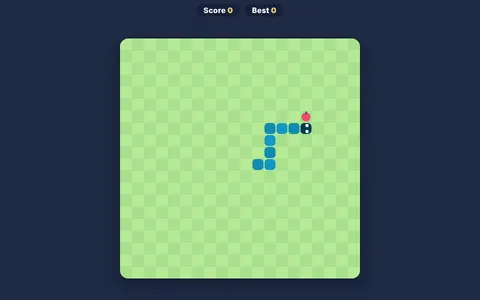
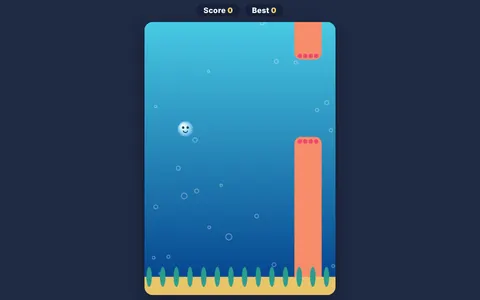
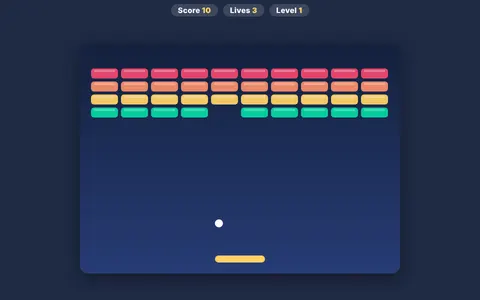
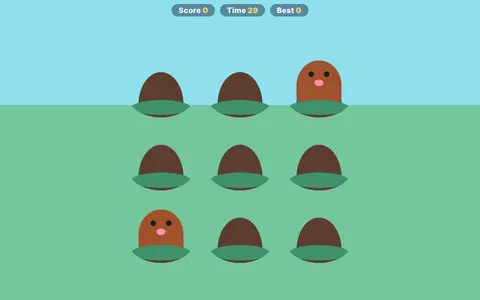
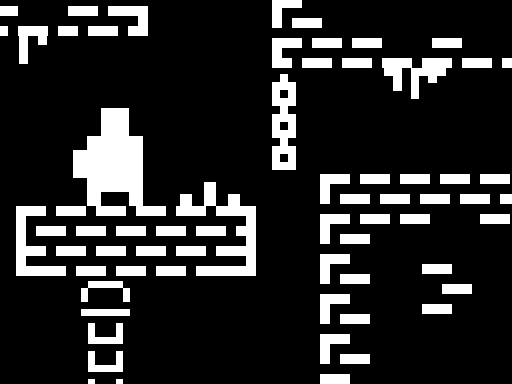
One Bit is a minimalist platformer with a black-and-white pixel look. Run, jump and climb through compact obstacle courses packed with spikes and pits. A special key lets you place a checkpoint, so you can choose where to restart after a mistake.
About One Bit
Choosing when to save a checkpoint is a small lesson in planning and risk — and it makes hard levels fair.
One Bit runs right in your browser on Chromebooks, laptops and tablets — nothing to install. Find more like it in our arcade games collection of free unblocked games.
How to play One Bit
- Move with WASD or the arrow keys.
- Press C to set a checkpoint.
- Use the touch buttons on mobile.
- Press ▶ Play, then use ⛶ Fullscreen for a bigger view.
Controls
| Main controls | Move with WASD or the arrow keys |
|---|
Why play One Bit? Benefits for kids
Goal setting
Beating your own high score is a simple, motivating personal goal.
Focus
Short, intense rounds reward full attention for a couple of minutes at a time.
Hand–eye coordination
Matching your clicks or key presses to moving objects strengthens visual-motor skills.
Quick decisions
Choosing a path or action in a split second exercises decision-making under pressure.
Tips & tricks
- Watch what is coming next instead of only your character.
- Use fullscreen mode to see more of the action.
- Try to beat your own score instead of rushing — accuracy wins.
🍎 Using One Bit in the classroom
Turn One Bit into a mini reflection activity: after a few rounds, ask students what strategy helped them most and why.
One Bit – frequently asked questions
Is One Bit free to play?
Yes. One Bit is completely free on ClassroomGames — no download, no account. A tiny pixel hero, tricky tracks and handy checkpoints.
Can I play One Bit at school?
One Bit is a lightweight HTML5 game that runs on most school Chromebooks and laptops. Please play during breaks or when your teacher allows it.
Who made One Bit?
This game is created by an independent developer and distributed through the GameMonetize HTML5 network. ClassroomGames embeds it with permission of the distribution network.
Game © its developer, distributed by the GameMonetize HTML5 network. The game may show short ads from the network.