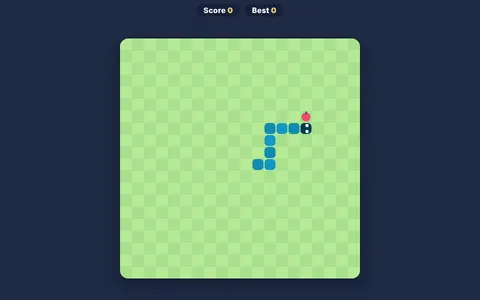
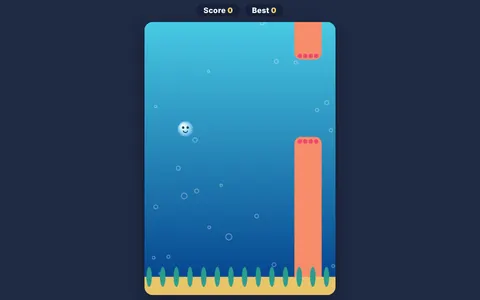
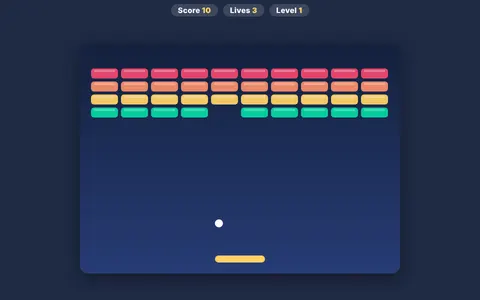
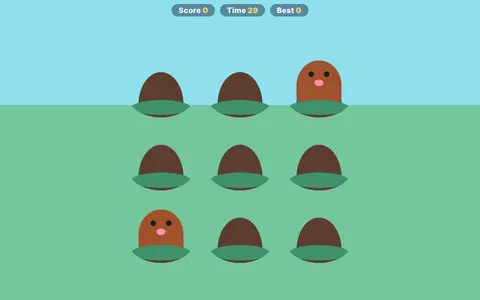
MiniMissions is a string of eighty very short challenges. Each one asks you to click at exactly the right moment: stop a moving bar in the target zone, drop a block onto a platform, launch something through a gap. Clear one mission and the next appears straight away.
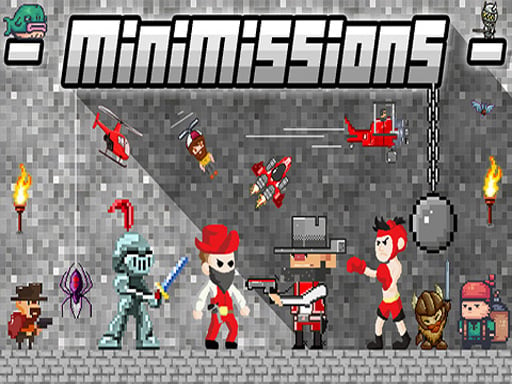
About MiniMissions
Every mission is different, which keeps the brain alert and adaptable. It's an excellent focus game for quick breaks.
MiniMissions runs right in your browser on Chromebooks, laptops and tablets — nothing to install. Find more like it in our arcade games collection of free unblocked games.
How to play MiniMissions
- Read the short goal of each mission.
- Click at exactly the right moment.
- Complete missions in a row to reach number 80.
- Press ▶ Play, then use ⛶ Fullscreen for a bigger view.
Controls
| Main controls | Read the short goal of each mission |
|---|
Why play MiniMissions? Benefits for kids
Goal setting
Beating your own high score is a simple, motivating personal goal.
Reaction time
Arcade games ask you to react quickly to what happens on screen, training fast and accurate responses.
Quick decisions
Choosing a path or action in a split second exercises decision-making under pressure.
Timing
Many moves only work at exactly the right moment, building a sense of rhythm and timing.
Tips & tricks
- Play a few calm rounds first to learn exactly how the controls feel.
- Short breaks between attempts help you stay sharp.
- Try to beat your own score instead of rushing — accuracy wins.
🍎 Using MiniMissions in the classroom
Use MiniMissions as a short reward after focused work: set a visible timer for 3–5 minutes and celebrate improvement, not only top scores.
MiniMissions – frequently asked questions
Is MiniMissions free to play?
Yes. MiniMissions is completely free on ClassroomGames — no download, no account. 80 tiny timing challenges — one mistake and it's over.
Can I play MiniMissions at school?
MiniMissions is a lightweight HTML5 game that runs on most school Chromebooks and laptops. Please play during breaks or when your teacher allows it.
Who made MiniMissions?
This game is created by an independent developer and distributed through the GameMonetize HTML5 network. ClassroomGames embeds it with permission of the distribution network.
Game © its developer, distributed by the GameMonetize HTML5 network. The game may show short ads from the network.