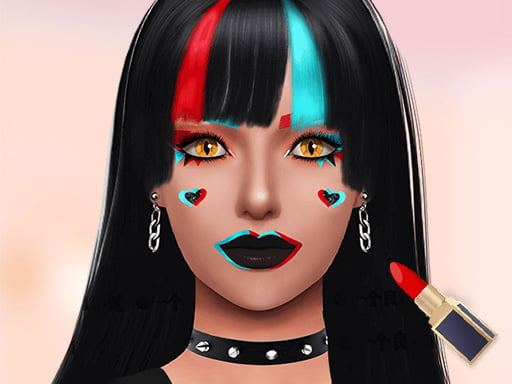
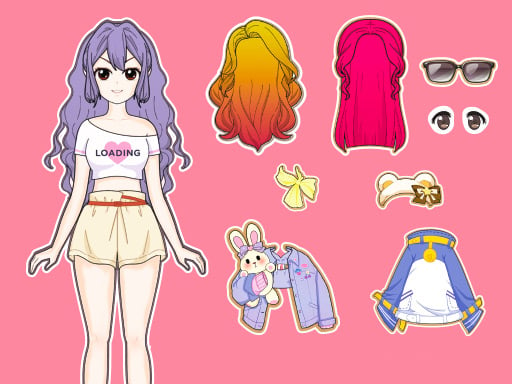
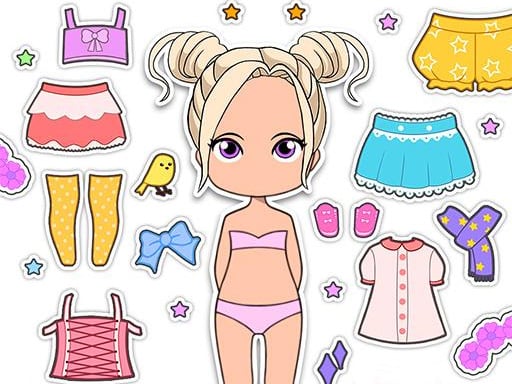
Lovely Doll Creator lets you design a character from scratch. Choose a skin tone, eye color and shape, hairstyle and hair color, then dress your doll in clothes and accessories. Your creation can look like you, a friend or someone completely imaginary.
About Lovely Doll Creator
Designing a character encourages self-expression and an appreciation that everyone looks different and special.
Lovely Doll Creator runs right in your browser on Chromebooks, laptops and tablets — nothing to install. Find more like it in our casual games collection of free unblocked games.
How to play Lovely Doll Creator
- Pick a category from the menu.
- Choose the features and colors you like.
- Finish your doll and admire your creation.
- Press ▶ Play, then use ⛶ Fullscreen for a bigger view.
Controls
| Main controls | Pick a category from the menu |
|---|
Why play Lovely Doll Creator? Benefits for kids
Calm play
Relaxed games are a good way to unwind after a busy lesson.
Decision-making
Kids practice making choices and seeing the result.
Following steps
Many casual games use step-by-step tasks, practicing sequencing.
Creativity
Choosing colors, outfits or recipes encourages kids to express their ideas.
Tips & tricks
- Experiment! There is often more than one good answer.
- Read the instructions on the first screen — they show what to do next.
- Take your time: casual games reward care more than speed.
🍎 Using Lovely Doll Creator in the classroom
During indoor recess or early-finisher time, Lovely Doll Creator keeps students engaged quietly. Remind them to take turns and share the device fairly.
Lovely Doll Creator – frequently asked questions
Is Lovely Doll Creator free to play?
Yes. Lovely Doll Creator is completely free on ClassroomGames — no download, no account. Build your own doll avatar from head to toe.
Can I play Lovely Doll Creator at school?
Lovely Doll Creator is a lightweight HTML5 game that runs on most school Chromebooks and laptops. Please play during breaks or when your teacher allows it.
Who made Lovely Doll Creator?
This game is created by an independent developer and distributed through the GameMonetize HTML5 network. ClassroomGames embeds it with permission of the distribution network.
Game © its developer, distributed by the GameMonetize HTML5 network. The game may show short ads from the network.