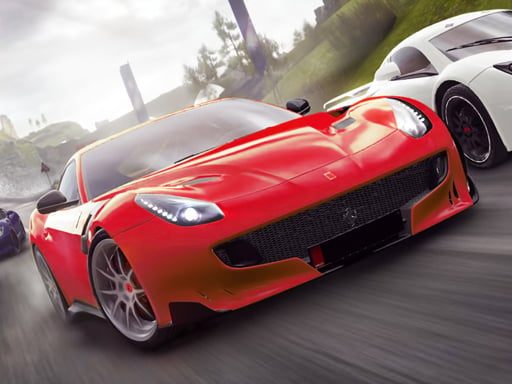
Grand City Stunts combines a big stunt playground with proper races. Launch off ramps, drive through loops and explore the city, or line up against CPU racers on marked courses. Invite a friend for two-player split screen and see who reaches the finish first.
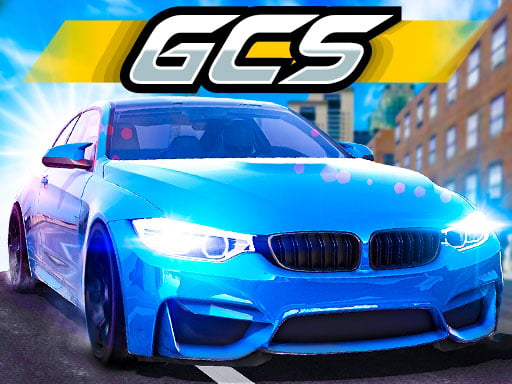
About Grand City Stunts
Racing a friend side by side teaches friendly competition and the importance of practicing your driving lines.
Grand City Stunts runs right in your browser on Chromebooks, laptops and tablets — nothing to install. Find more like it in our racing games collection of free unblocked games.
How to play Grand City Stunts
- Player 1: WASD to drive, F for nitro.
- Player 2: arrow keys to drive, K for nitro.
- Beat the CPU racers to the finish line.
- Press ▶ Play, then use ⛶ Fullscreen for a bigger view.
Controls
| Main controls | Player 1: WASD to drive, F for nitro |
|---|
Why play Grand City Stunts? Benefits for kids
Cause and effect
Braking, accelerating and turning show clearly how actions change results.
Spatial awareness
Judging distances to walls, cars and ramps builds spatial thinking.
Persistence
Shaving seconds off a lap time rewards practice and patience.
Hand–eye coordination
Steering through bends trains precise control of hands and eyes together.
Tips & tricks
- Learn the track on your first run — remember where the hard parts are.
- Slow down slightly before sharp turns, then speed up on the way out.
- Keep away from walls: bumping costs more time than braking.
🍎 Using Grand City Stunts in the classroom
During indoor recess or early-finisher time, Grand City Stunts keeps students engaged quietly. Remind them to take turns and share the device fairly.
Grand City Stunts – frequently asked questions
Is Grand City Stunts free to play?
Yes. Grand City Stunts is completely free on ClassroomGames — no download, no account. Race and stunt across a giant city, solo or with a friend.
Can I play Grand City Stunts at school?
Grand City Stunts is a lightweight HTML5 game that runs on most school Chromebooks and laptops. Please play during breaks or when your teacher allows it.
Who made Grand City Stunts?
This game is created by an independent developer and distributed through the GameMonetize HTML5 network. ClassroomGames embeds it with permission of the distribution network.
Game © its developer, distributed by the GameMonetize HTML5 network. The game may show short ads from the network.